
Table of contents
Server patching is automated, endpoint patching is reported on monthly, and network device firmware is done by hand, when someone remembers, and often never. Every managed estate has a rack of switches, a wall of access points and a pair of firewalls quietly running the version they shipped with. That gap matters more each year, because attackers have shifted their attention from the workstations you monitor closely to the boundary devices you do not. Network device firmware is now one of the highest-value patch queues in an MSP’s book of business, and it is almost always the least mature. This article sets out nine essential steps for turning network device firmware from an ad-hoc scramble into a tracked, evidence-producing cycle you can run across a multi-client estate without heroics.
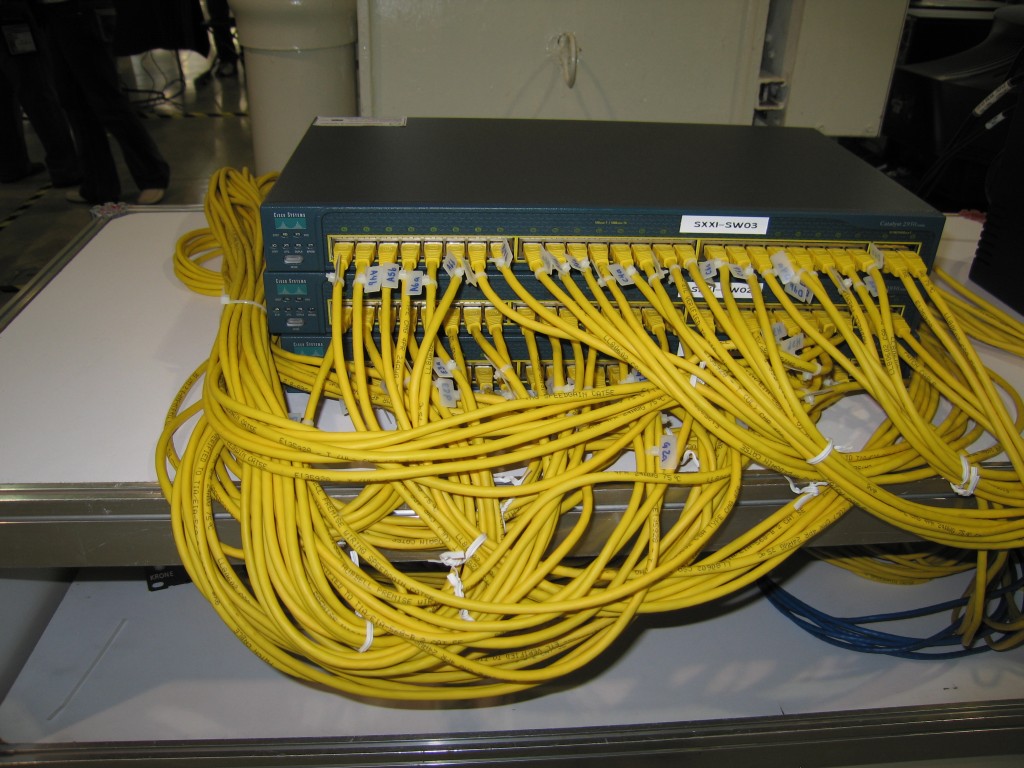
Why Network Device Firmware Is the Patch Queue Nobody Runs
The reason network device firmware lags is structural, not cultural. Endpoint and server patching is agent-driven: an RMM agent lives on the box, reports its version, pulls an update and confirms the result. Network devices do not host that agent. They sit outside the tooling that makes every other patch queue visible, which means nobody gets an amber tile on a dashboard when a firewall falls eighteen months behind.
The second reason is risk asymmetry. A failed workstation patch inconveniences one user. A failed network device firmware upgrade on a site’s only firewall takes the whole site off the network, usually at the exact moment nobody is on site to console into it. Engineers respond rationally to that asymmetry by deferring, and deferral compounds. Two years later the upgrade path is no longer a single hop, the device may be past its support date, and the job has grown from twenty minutes to a project.
The third reason is ownership. Network device firmware belongs to nobody in particular. It is not in the service desk queue, because it generates no tickets. It is not in the project queue, because no client asked for it. It falls between the two, which is precisely why it needs a named owner with protected time rather than a line in a checklist.
What National Agencies Now Expect on Network Device Firmware
The regulatory position on network device firmware has hardened considerably. In February 2026, CISA, the FBI and the UK’s National Cyber Security Centre published a joint fact sheet on reducing the attack surface for end-of-support edge devices, aimed squarely at the load balancers, firewalls, routers, switches, wireless access points and network security appliances that sit at the network boundary. The accompanying US binding directive gives federal agencies three months to inventory unsupported edge devices, a year to replace the worst of them, eighteen months to remove the rest, and two years to stand up a process that tracks what is about to go unsupported.
Those deadlines do not bind a UK or EU MSP directly, but they are a very clear statement of what competent practice now looks like, and clients’ auditors read the same documents. The NCSC’s own guidance on keeping devices and software up to date makes the same point in gentler language: if you cannot say what version a device is running and when it was last updated, you are not managing it. Applied to network device firmware, that is a test most managed estates currently fail.
The practical takeaway is that network device firmware is moving from a nice-to-have into the same category as server patching: something you are expected to evidence, not just intend.
9 Essential Steps to a Working Network Device Firmware Cycle
None of the following steps is technically hard. The difficulty is entirely in doing them repeatedly, across every client, without the cycle collapsing the first week something urgent lands. Treat these as the operating model for network device firmware rather than a one-off remediation project.
1. Build a device inventory before you build a schedule
You cannot patch what you cannot list. Start with a single register of every switch, access point, firewall, router, UPS network card and out-of-band controller across the estate, with model, serial, site, current version and support status. Most MSPs discover fifteen to twenty per cent more network devices than they expected on the first pass.
2. Record end-of-support dates alongside versions
A device running the latest available network device firmware is still a problem if the vendor stopped issuing updates two years ago. Capture the end-of-sale and end-of-support dates at inventory time and treat “no further firmware will ever ship for this” as a replacement trigger, not a patching one.
3. Subscribe to vendor advisories and route them to a human
Every network vendor publishes security advisories. Almost nobody reads them. Subscribe to the feeds for the vendors you actually run, route them into a shared mailbox or channel, and give one person the job of triaging each advisory against the inventory within a fixed window.
4. Classify each release rather than chasing every one
Not all network device firmware releases deserve the same urgency. A three-tier classification works well: security releases addressing an actively exploited flaw, security releases for a disclosed but unexploited flaw, and maintenance releases. The first tier gets an emergency window, the second the next scheduled window, the third an annual refresh.
5. Test on a lab or low-risk site first
Keep one representative device per model where you can. Where the budget will not stretch, nominate a low-risk site — a small office, an internal location — as the first production hop. The point is that no client’s primary firewall is ever the first device in the estate to run a given network device firmware build.
6. Always have a rollback and a way back in
Before touching a device, confirm you have the running configuration backed up, the previous firmware image available, out-of-band access that does not depend on the device you are upgrading, and a named on-site contact who can power-cycle it. Missing any one of these is a reason to postpone, and that is a legitimate use of the word.
7. Standardise on target versions per model
Let each device drift to its own version and you own an unmanageable matrix. Publish a target network device firmware version per model, review those targets quarterly, and measure compliance as the percentage of devices sitting on target. That single number is the health metric for the whole programme.
8. Book recurring windows instead of requesting them
Ad-hoc change requests get declined by busy clients. A standing monthly or quarterly maintenance window, agreed once at onboarding and written into the service schedule, gets used. Network device firmware work needs to be the default use of that window rather than a special request each time.
9. Close the loop with evidence
Every completed upgrade should leave a record: device, previous version, new version, advisory addressed, engineer, date, and the post-change verification result. This is what converts network device firmware work from invisible effort into something a client can see on a report and an auditor can accept.
The Inventory That Makes Network Device Firmware Patching Possible
It is worth dwelling on the inventory, because every failed network device firmware programme fails there first. The register needs to be authoritative, which means it has to be maintained rather than compiled once. In practice that means three things.
First, it needs an owner who updates it as part of routine work rather than in an annual audit. Second, it needs to be reconciled against reality — a discovery scan or controller export compared to the register on a fixed cadence, because devices get added at sites without anyone telling you. Third, it needs to record the things that block an upgrade as well as the things that describe the device: no out-of-band access, no maintenance contract, no agreed window, single point of failure with no redundant pair. Those blockers are the actual work queue.
Most MSPs already hold fragments of this in a documentation platform, a spreadsheet and three engineers’ heads. Consolidating those fragments is unglamorous, repeatable work that pays for itself the first time an advisory drops and you can answer “how many are we exposed on?” in ten minutes instead of two days. It is also, not coincidentally, exactly the kind of task that never gets done by a team whose entire capacity is consumed by tickets.
Scheduling Network Device Firmware Work Without Breaking Clients
The scheduling problem is real and deserves an honest answer rather than a slogan. Network device firmware upgrades carry genuine outage risk, and clients are right to be cautious about them. The way through is to make the windows small, frequent and boring.
Small means one site or one device class per window, so a bad outcome is contained and the rollback is simple. Frequent means monthly rather than annually, so no single window carries a two-year backlog and each one moves a handful of devices. Boring means the same runbook every time: pre-change backup, verification of out-of-band access, upgrade, post-change checks against a fixed list, evidence captured, ticket closed.
There is also a sequencing argument. Do the redundant pairs first, because they can be done one node at a time with no user impact and they build confidence. Do the single-firewall sites last, with the most preparation and a named contact on standby. Running network device firmware upgrades in that order means the programme banks visible wins before it reaches the genuinely risky devices.
Turning Network Device Firmware Work Into Evidence
Work that produces no artefact tends not to survive the next busy quarter. A network device firmware programme should generate a monthly one-page report per client: devices on target version, devices off target and why, advisories reviewed in the period, upgrades completed, and devices flagged for replacement on end-of-support grounds.
That single page does a surprising amount of commercial work. It demonstrates a control that clients increasingly have to evidence for insurers and for frameworks aligned with the NCSC’s vulnerability management guidance. It converts a cost line into a visible service. And it makes the replacement conversation about end-of-support hardware far easier, because the device has been on a report as a flagged risk for six months before anyone asks for capital.
Why South African Outstaffing Fits Network Device Firmware Work
The honest constraint for most MSPs is not knowledge but capacity. Everyone reading this knows what a firmware cycle should look like. What they do not have is an engineer with protected time to run it while the service desk is on fire, and hiring a UK-based network engineer to do inventory reconciliation and advisory triage is difficult to justify at UK salary levels.
This is the gap OutsourceZA was built for. South African tech talent works a UK and EU-aligned day — South Africa sits one to two hours ahead of the UK depending on the season — so a dedicated engineer is available for the morning advisory triage and the evening maintenance window alike, without night shifts or handover gaps. Typical cost savings of 40–60% against equivalent UK hires make a dedicated network device firmware owner a decision you can actually get signed off, rather than a role that stays permanently in the “next financial year” column.
Outstaffing also fits the shape of this work particularly well. Network device firmware management is continuous, documentation-heavy and highly repeatable, which is precisely the profile that suits dedicated capacity embedded in your team rather than an escalation resource. The engineer works your ticketing system, your documentation platform and your change process, builds real familiarity with each client’s estate, and owns the register month after month. You can scale that capacity up during a remediation push and back down once the estate is on target, which is the flexibility a fixed permanent hire cannot give you. Our engineers are MSP-ready and used to multi-tenant estates; you can see how we work with MSPs or talk to us about what a dedicated network device firmware owner would look like in your team.
Network Device Firmware FAQ
How often should network device firmware be updated?
Tie the cadence to the release classification rather than the calendar. Actively exploited vulnerabilities warrant an emergency window within days. Other security releases fit the next scheduled monthly or quarterly window. Maintenance releases can wait for an annual refresh to the standard target version for that model.
Is it safe to auto-update firmware on network devices?
For low-risk, redundant or cloud-managed devices such as access points, staged automatic updates are usually reasonable and save a great deal of manual effort. For firewalls, core switches and any single point of failure, keep network device firmware upgrades manual, scheduled and paired with a tested rollback.
What if a device is past end-of-support?
Treat it as a replacement decision rather than a patching one. No amount of process fixes a device that will never receive another security fix. Put it on the risk register with a date, mitigate in the meantime by restricting management access and segmenting it, and get it into a capital plan.
Who should own network device firmware in an MSP?
One named person with protected, recurring time — not the escalation team, whose time is by definition unpredictable. The role suits a dedicated engineer who owns the inventory, triages advisories, runs the windows and produces the monthly evidence, which is why many MSPs resource it through outstaffing rather than from existing service desk capacity.
How do we start if we have no inventory at all?
Start with one client, ideally a mid-sized one with a typical estate. Build the full register for that client, run one window, produce one report, and use it as the template. A working network device firmware cycle at one client is far more useful than a half-built spreadsheet covering forty.
Bringing It Together
Network device firmware is not neglected because MSPs do not understand the risk. It is neglected because it produces no tickets, carries real outage risk, and belongs to nobody. Fix those three things — give it an owner, give it small and frequent windows, and make it produce evidence — and the queue stops growing. If capacity is the blocker, a dedicated South African engineer working your hours is the most cost-effective way to give network device firmware the owner it has never had.
Book your consultation
Book a chat with Niel or Johan so we can understand exactly what (and who) you need for your business to succeed. It’s also a great time to ask any questions you may have. See you soon!